There have never been more ways to watch movies, TV shows and anime. Along with that choice comes a lot of jargon: SVOD, AVOD, FAST, TVOD. This guide explains the main types of viewing options in simple terms, so you can understand what you are paying for and choose the services that suit you.
The main types of streaming services
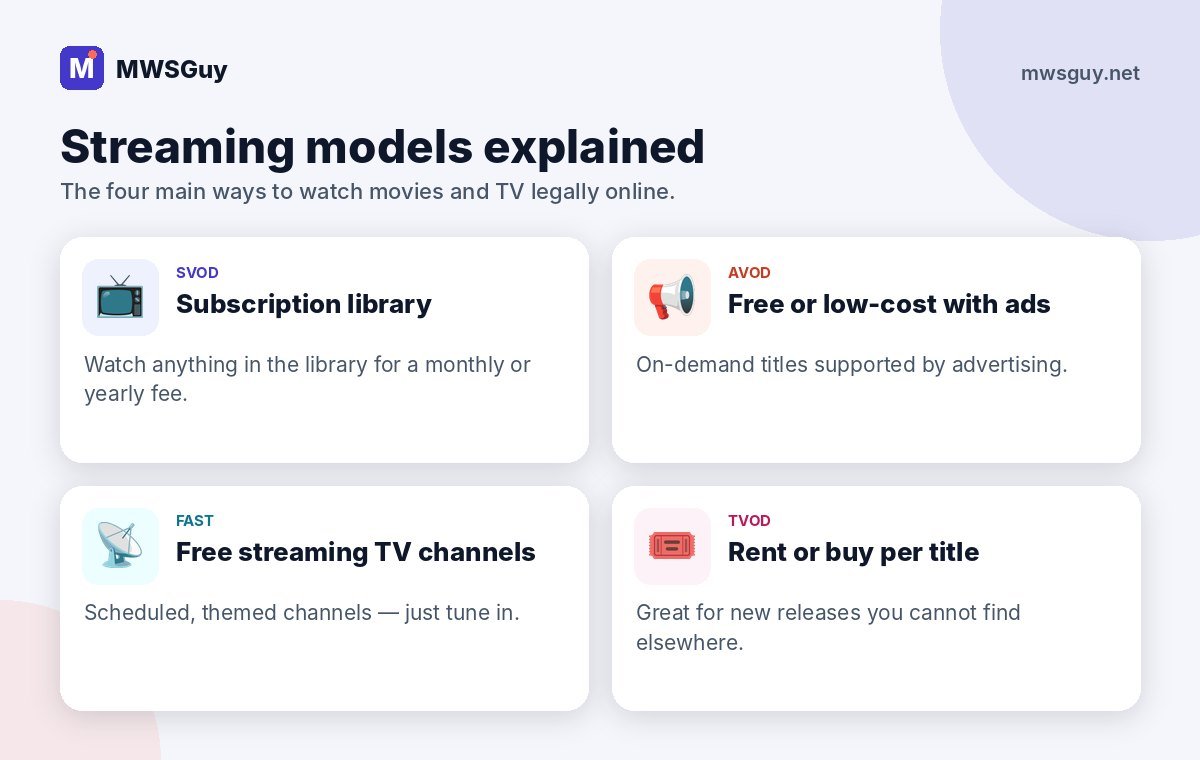
| Type | What it means | How you pay |
|---|---|---|
| SVOD (subscription video on demand) | A library of titles you can watch any time | Monthly or yearly subscription |
| AVOD (advertising video on demand) | On-demand titles supported by ads | Free or lower-cost, with ads |
| FAST (free ad-supported streaming TV) | Live, scheduled channels streamed online | Free, with ads |
| TVOD (transactional video on demand) | Rent or buy individual movies or episodes | Pay per title |
| Hybrid plans | Subscriptions with an ad-supported tier | Lower price with ads, higher price without |
Subscription services
Subscription services offer a large library for a recurring fee. Many now offer multiple tiers — for example, a lower-cost plan with ads and a higher-cost plan without ads or with higher video quality.
Free, ad-supported services
Ad-supported services let you watch legally without a subscription. Libraries are often smaller or feature older titles, but they are a great way to discover films and series at no cost.
Free streaming TV channels
FAST services work like traditional television: you tune in to themed channels that play on a schedule. They are useful for casual viewing when you do not want to choose a specific title.
Rent or buy
Renting or buying individual titles is helpful for new releases or films that are not available on your subscriptions. Rentals usually have a limited viewing window once you start watching.
How to choose the right options for you
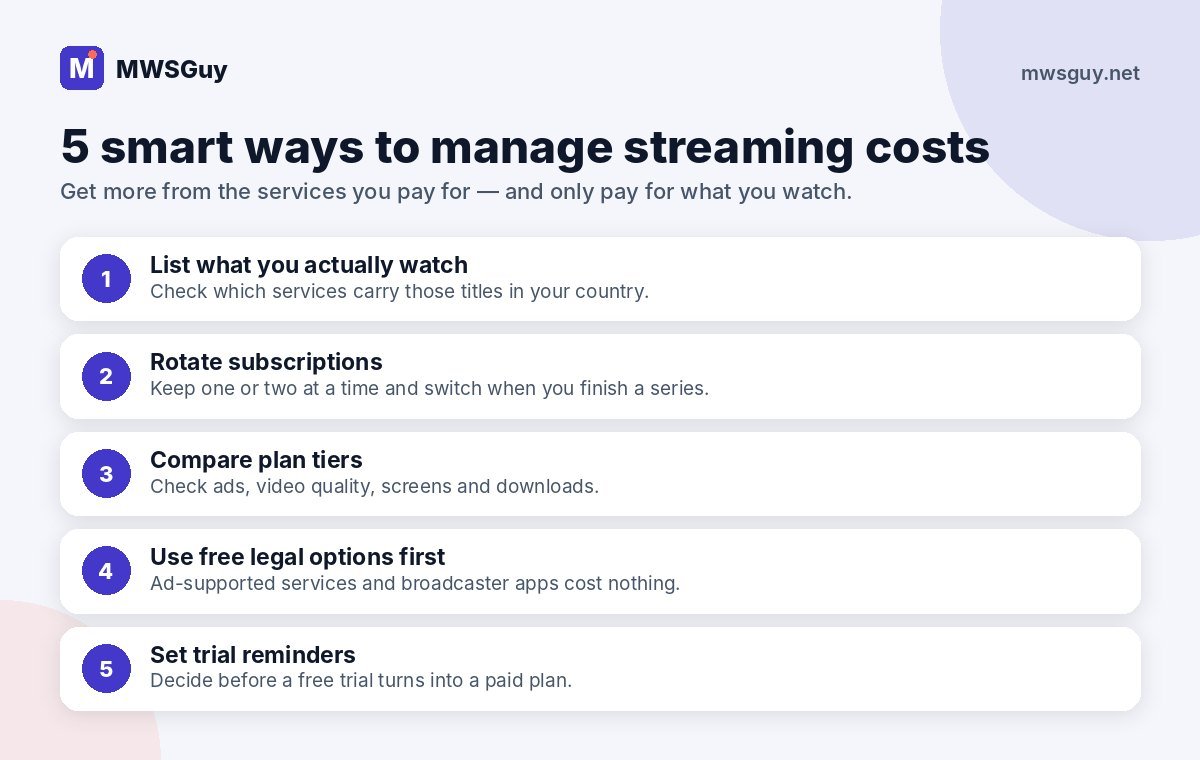
- List what you actually watch. Write down the shows and films you watched in the past few months and check which services carry them in your country.
- Rotate subscriptions. Instead of keeping every service at once, subscribe to one or two at a time and switch when you finish a series.
- Compare plan tiers. Check video quality, number of screens, downloads and whether ads are included.
- Use free options first. Many libraries and broadcasters offer free, legal streaming — check what is available where you live.
- Watch for price changes. Streaming prices and plan features change from time to time, so review your subscriptions regularly.
Tip: Set a reminder before any free trial ends so you can decide whether to keep or cancel the service.
Why availability differs by region
Streaming rights are usually licensed country by country. That is why the same title might be on one service in one country and a different service — or unavailable — elsewhere. Libraries also change as licensing agreements begin and end.
Choose official and legal services
Unofficial streaming websites can expose your devices to malware, aggressive pop-up ads and scams, and they do not support the people who make the content. Official services are safer, offer better quality and help fund future shows and films. Before signing up for any service, review its official information, privacy practices and terms.
Frequently asked questions
What is the difference between SVOD and AVOD?
SVOD services charge a subscription for access to their library, while AVOD services are free or lower-cost because they show advertisements.
What is a FAST channel?
FAST stands for free ad-supported streaming television. These are online channels that play scheduled programming, similar to traditional TV, and are free to watch with ads.
How can I save money on streaming?
Track what you actually watch, rotate subscriptions instead of keeping them all at once, consider ad-supported tiers, and use free legal services where available.
Related reading: if a legal service keeps stalling, try our 12 fixes for video that keeps buffering, and learn how to spot fake and unsafe streaming sites before you click “play” on an unfamiliar one.
Final thoughts
Understanding the different viewing options makes it easier to build a setup that fits your interests and budget. For more updates about entertainment platforms and digital services, follow our News section.