Searching the web seems simple: type a question, press Enter, and read the results. But small changes to how you search can make a big difference to the quality of what you find. This guide shares practical techniques to help you find reliable answers faster.
Start with the right keywords
Search engines work best with clear, specific words. Instead of typing a long sentence, think about the most important terms a helpful page would contain.
- Too vague: “phone problem”
- Better: “phone battery draining fast after update”
Include the specific product, model, error message or location where it matters. If one set of words does not work, try synonyms — for example, “laptop” instead of “notebook”, or “cost” instead of “price”.
Use simple search operators
Most major search engines support a few helpful shortcuts. Support can vary between search engines, but these are widely available:
| Operator | What it does | Example |
|---|---|---|
| “quotes” | Searches for an exact phrase | “how to reset router” |
| – (minus) | Excludes a word | jaguar speed -car |
| site: | Searches within one website | site:example.com privacy |
| filetype: | Finds a specific file type | annual report filetype:pdf |
| OR | Shows results with either term | anime OR manga recommendations |
Tip: Copy and paste an exact error message in quotation marks. It is one of the fastest ways to find a fix for a technical problem.

Filter by date for time-sensitive topics
Technology, apps and entertainment releases change quickly. Use your search engine’s Tools or Filter options to limit results to the past week, month or year. Adding the current year to your query can also help surface recent information.
Ask the question the way an expert would write the answer
Think about the title of a page that would answer your question. Instead of “why won’t my email send”, you might search “email stuck in outbox fix”. Matching the language that guides and help centers use often leads to better results.
Go to the source when it matters
For important information, go straight to the official source:
- Product or service details: the company’s official help center or documentation.
- Laws and public services: official government websites.
- Health information: recognized health organizations and qualified professionals.
How to judge whether a source is reliable
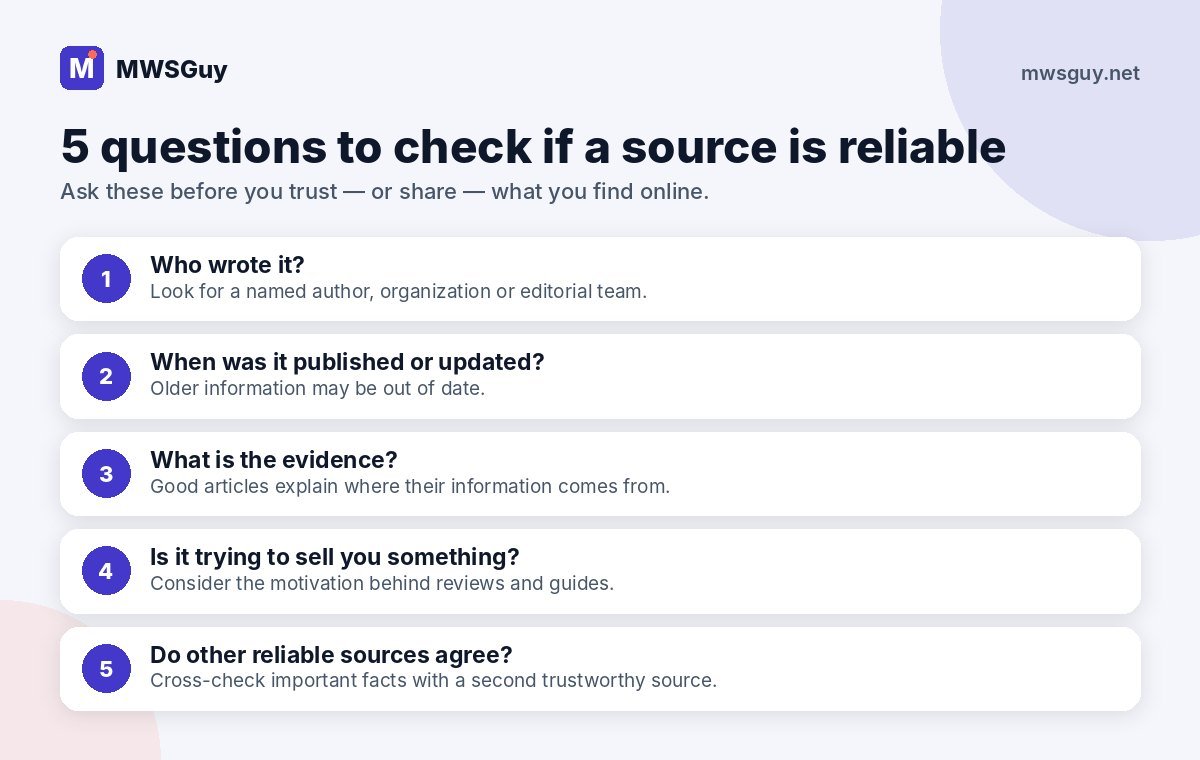
Not every result deserves your trust. Ask these questions:
- Who wrote it? Look for an author, organization or editorial team.
- When was it published or updated? Older information may be outdated.
- What is the evidence? Good articles explain where information comes from.
- Is it trying to sell you something? Reviews and guides can be useful, but consider the motivation.
- Do other reliable sources agree? Cross-check important facts with at least one other trustworthy source.
Watch out for common pitfalls
- Ads at the top of results. Sponsored results are labeled; check the address before clicking.
- Look-alike websites. Misspelled brand names or unusual domain endings can indicate a fake site.
- Clickbait headlines. Exaggerated titles often lead to thin or misleading content.
- Outdated forum answers. Community answers can be helpful but may refer to older versions.
Frequently asked questions
What is the fastest way to find an exact phrase?
Put the phrase in quotation marks, for example “best practices for passwords”. The search engine will prioritize pages that contain those words in that exact order.
How do I search only one website?
Use the site: operator followed by the domain and your keywords, such as site:mwsguy.net anime. This shows results from that website only.
How can I tell if information online is up to date?
Check the publication or “last updated” date, filter search results by date, and compare the information with official sources, especially for fast-changing topics like apps, prices and release dates.
Final thoughts
Better searching is a skill anyone can learn. Choose specific keywords, use a few simple operators, filter by date and always check the source. For more practical how-to articles, visit our Guides section.